













Get high-quality estimates backed by data
Generate accurate estimates in half the time. Calculate material costs from takeoff. Auto-include labor, insurance, and per-project fees.
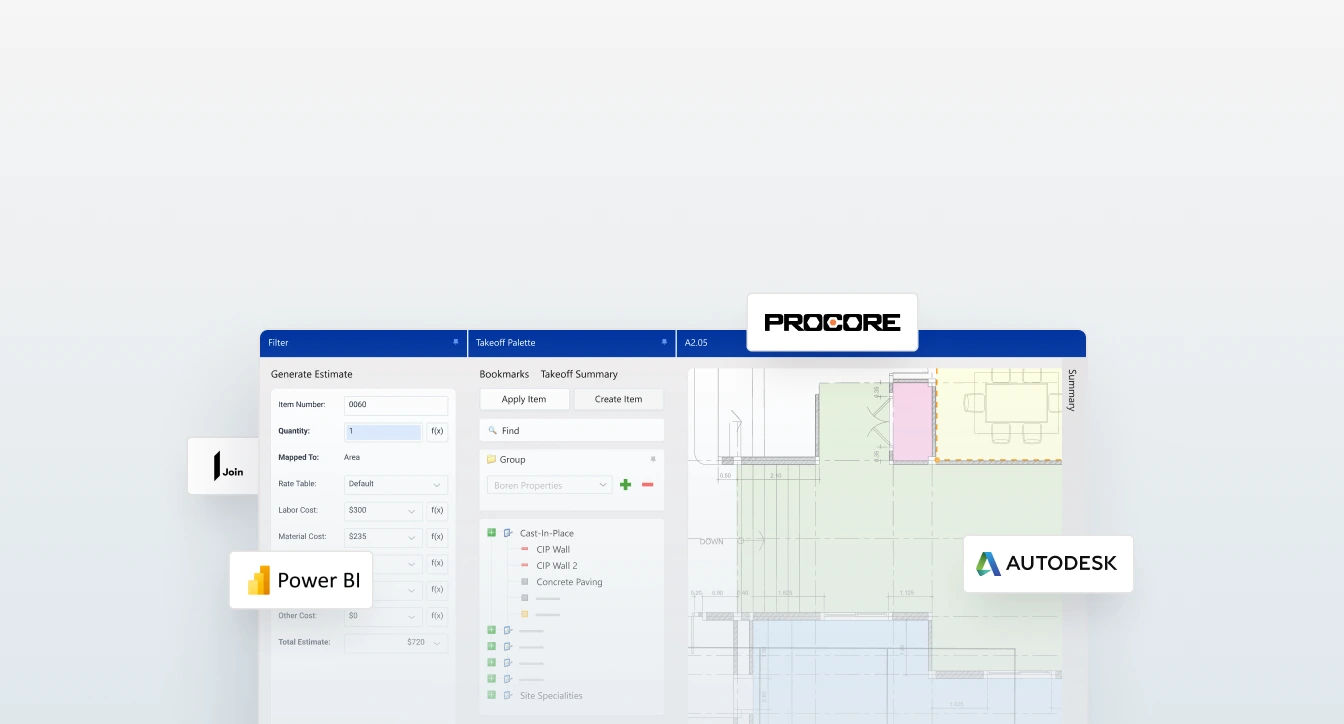
Move from drawings to estimate-ready quantities faster with DESTINI AI Takeoff, embedded directly in DESTINI Estimator. Detect, measure, review, and connect takeoff quantities to your estimate without leaving your preconstruction workflow.
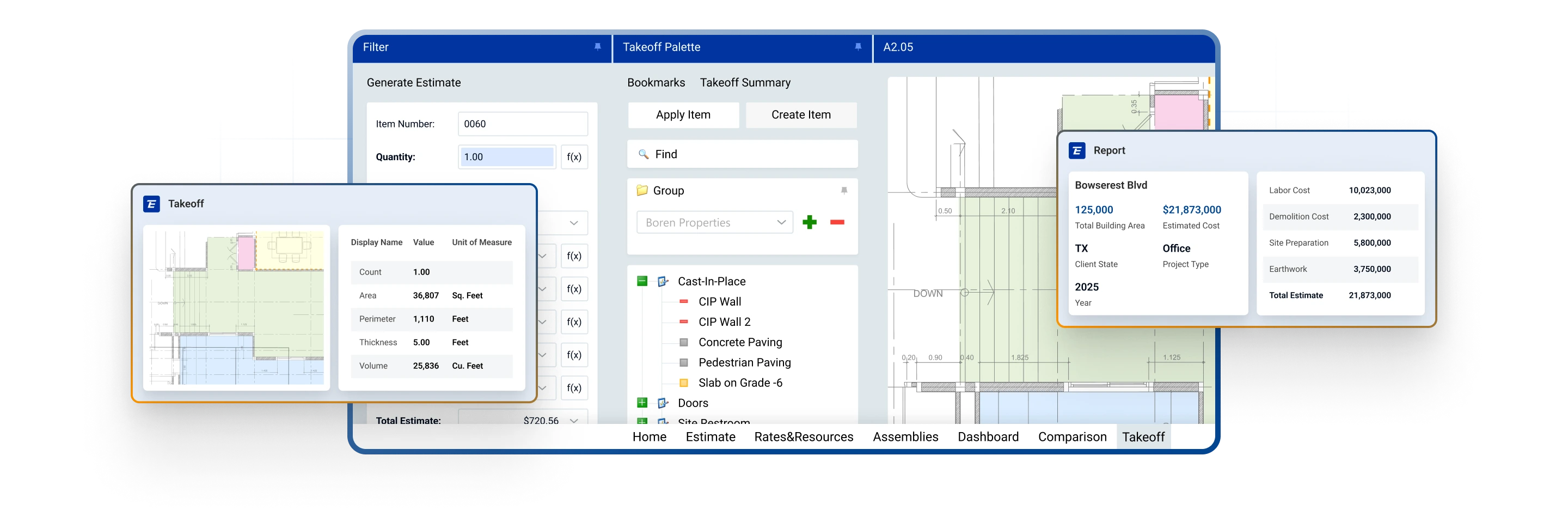







Use AI to help detect, measure, and count scope from plan files so your team can spend less time clicking and more time reviewing what matters. DESTINI AI Takeoff accelerates quantity creation while keeping estimators in control of the final output.
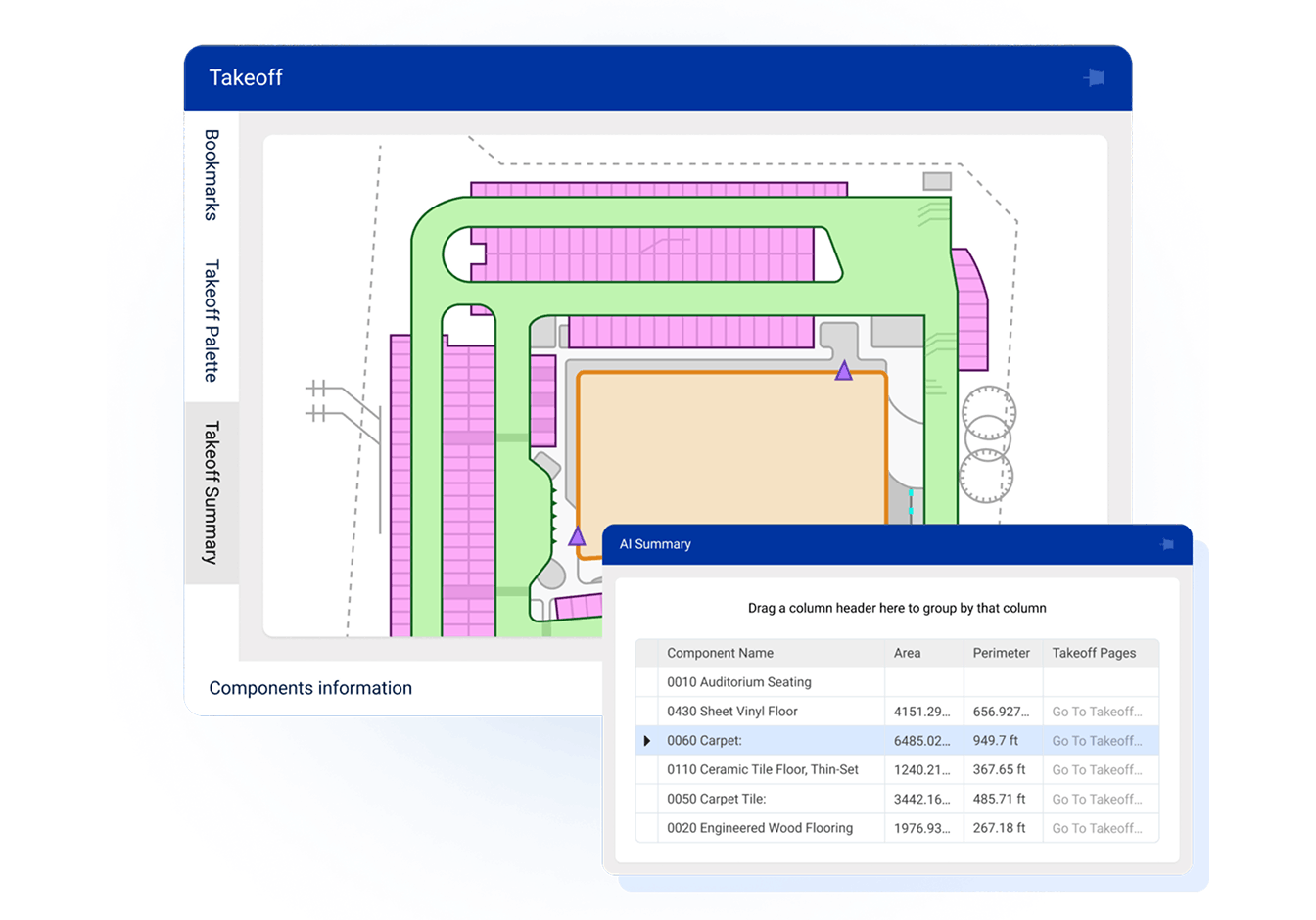
Because DESTINI AI Takeoff is embedded in DESTINI Estimator, quantities flow directly into your estimating workflow. Reduce duplicate entry, eliminate disconnected handoffs, and keep every quantity tied to the estimate it supports.
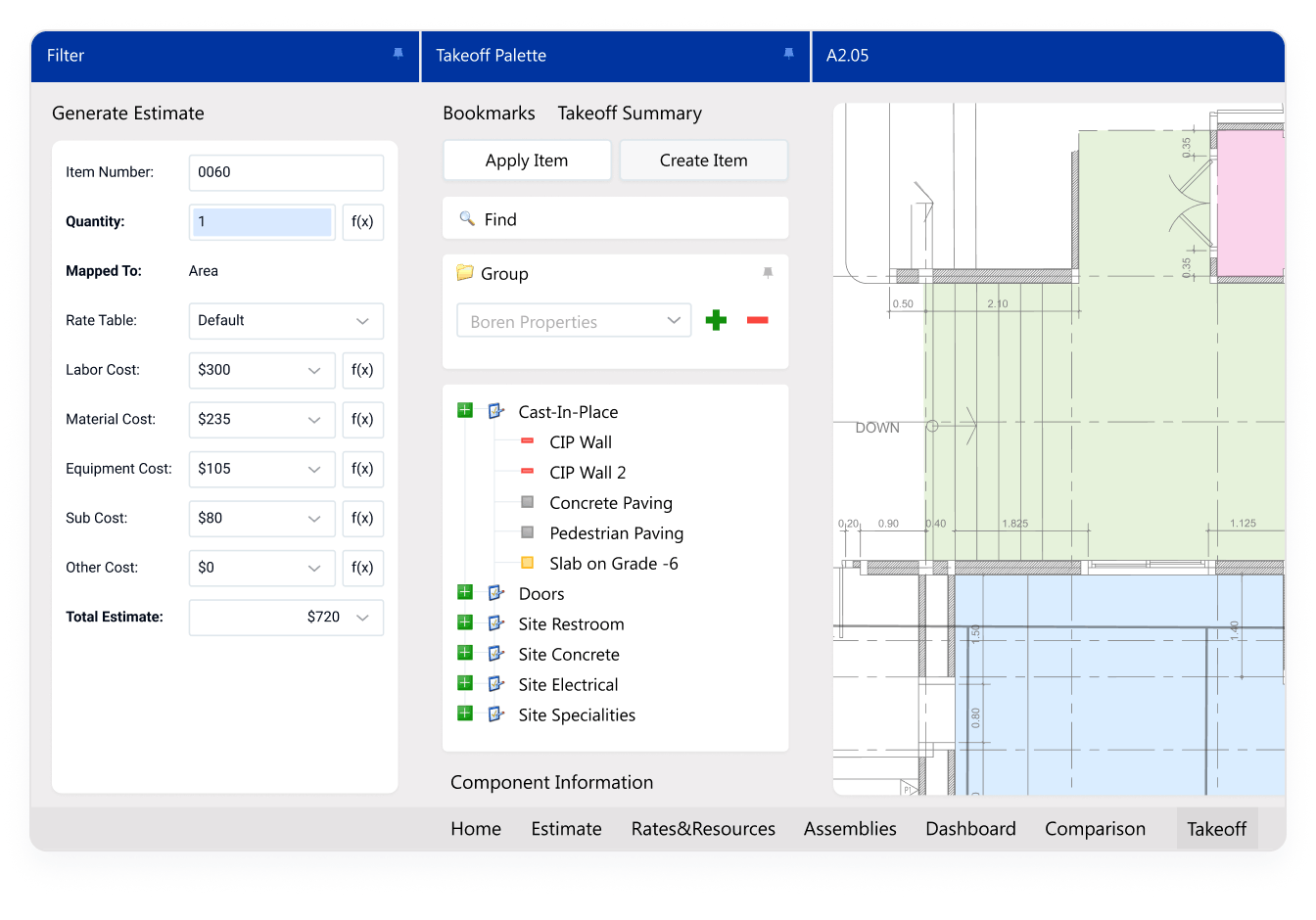
AI helps speed up takeoff, but your team owns the final decision. Review detected quantities, validate scope, adjust as needed, and maintain a clearer connection between drawing data, estimate line items, and project assumptions.
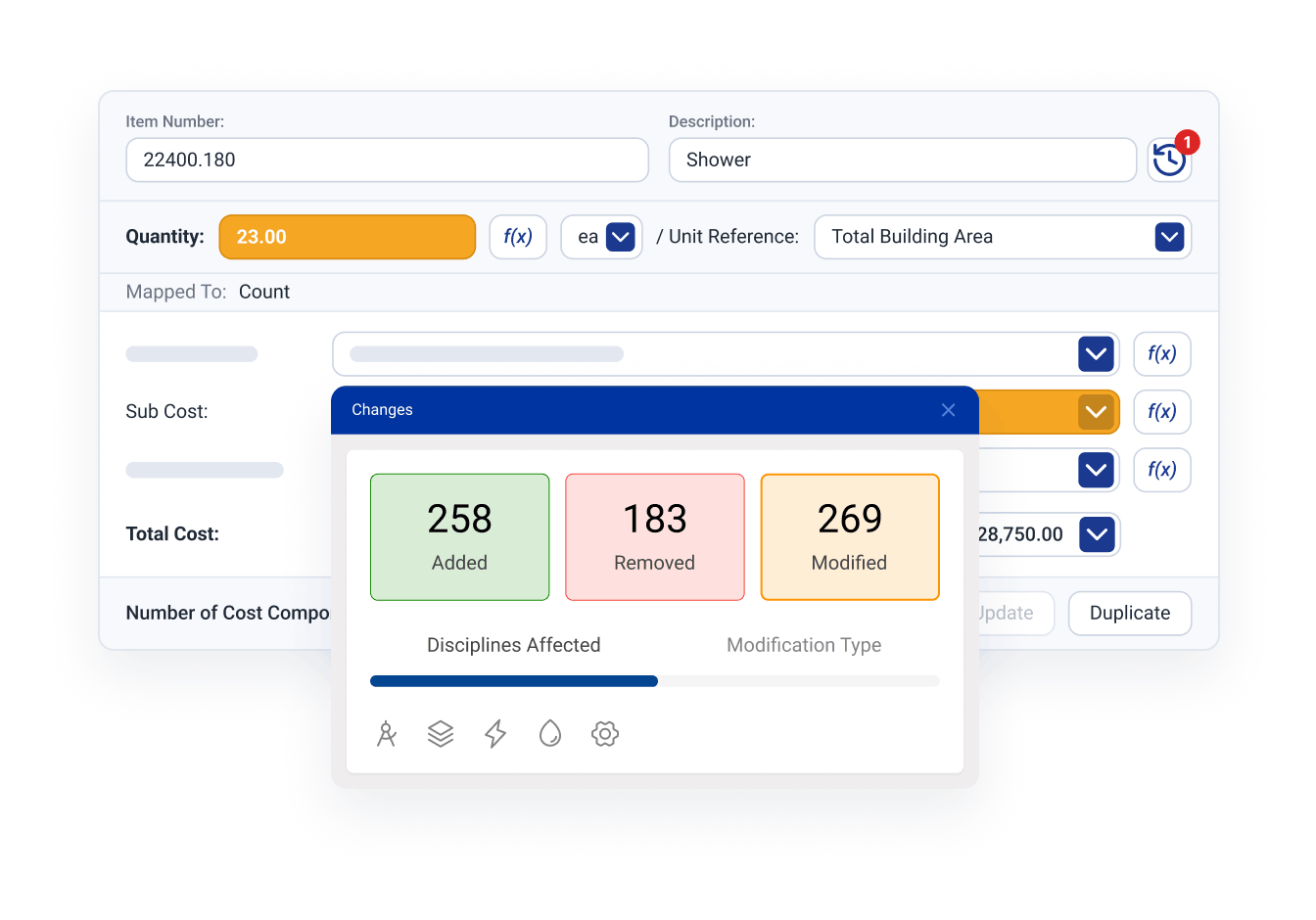
Move from takeoff to estimate with less friction. Combine AI-generated quantities with DESTINI Estimator’s cost structures, assemblies, historical data, alternates, and bid inputs to create estimates that are faster to build and easier to explain.
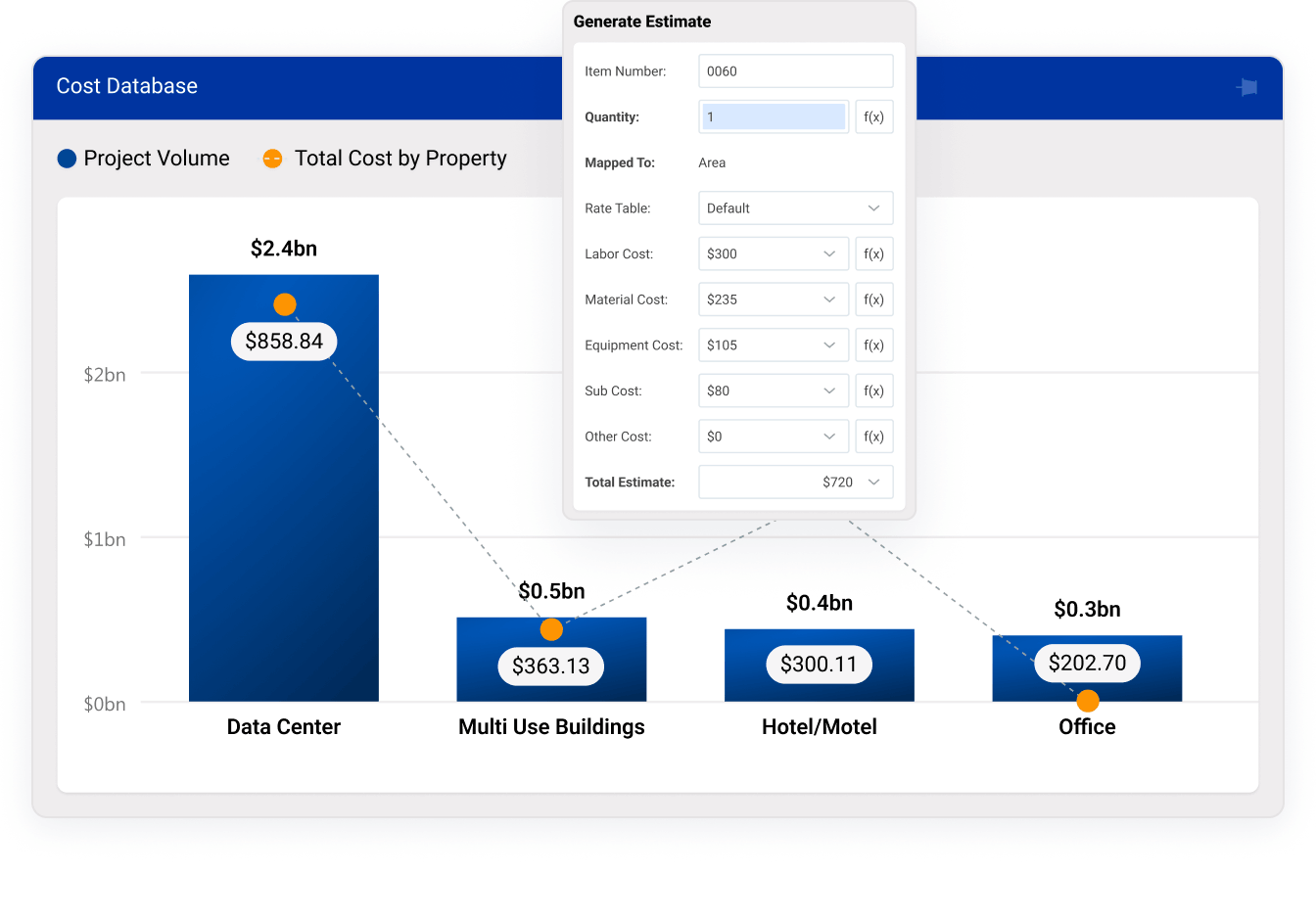
Turn Preconstruction Into a Profit Center
Get high-quality estimates backed by data
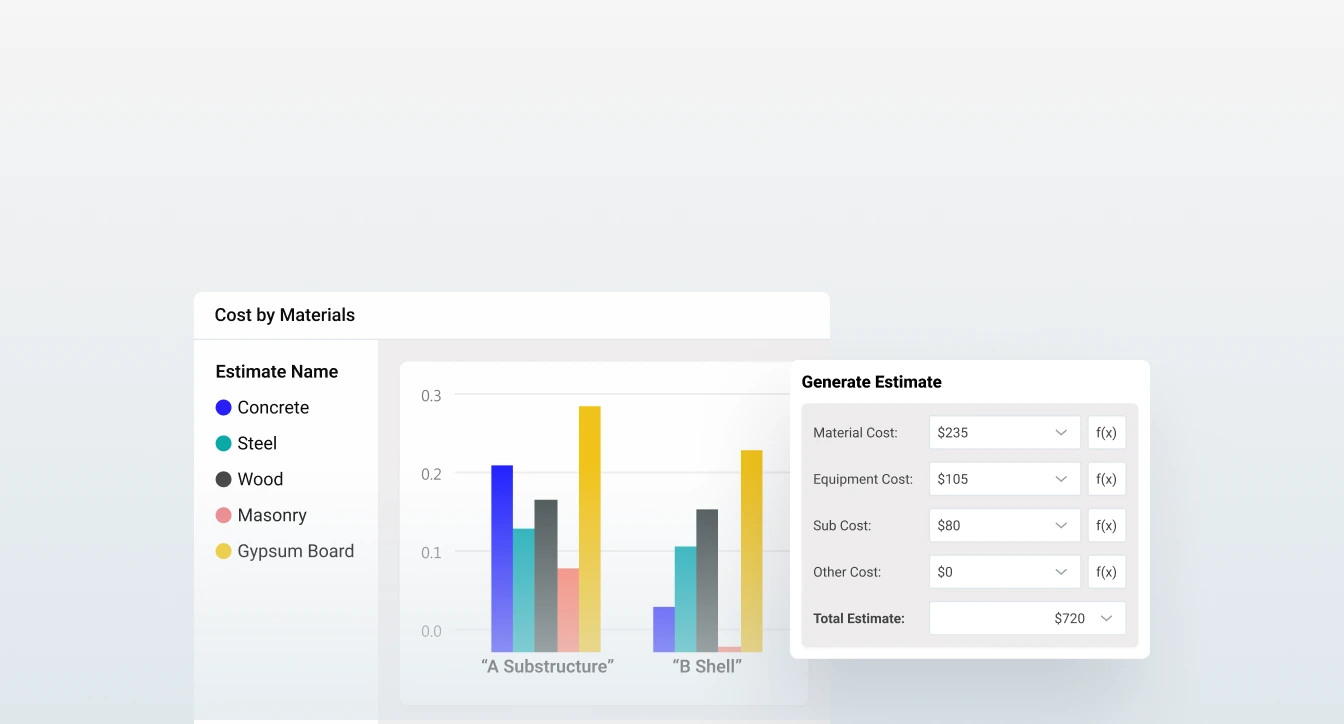
Win more construction jobs
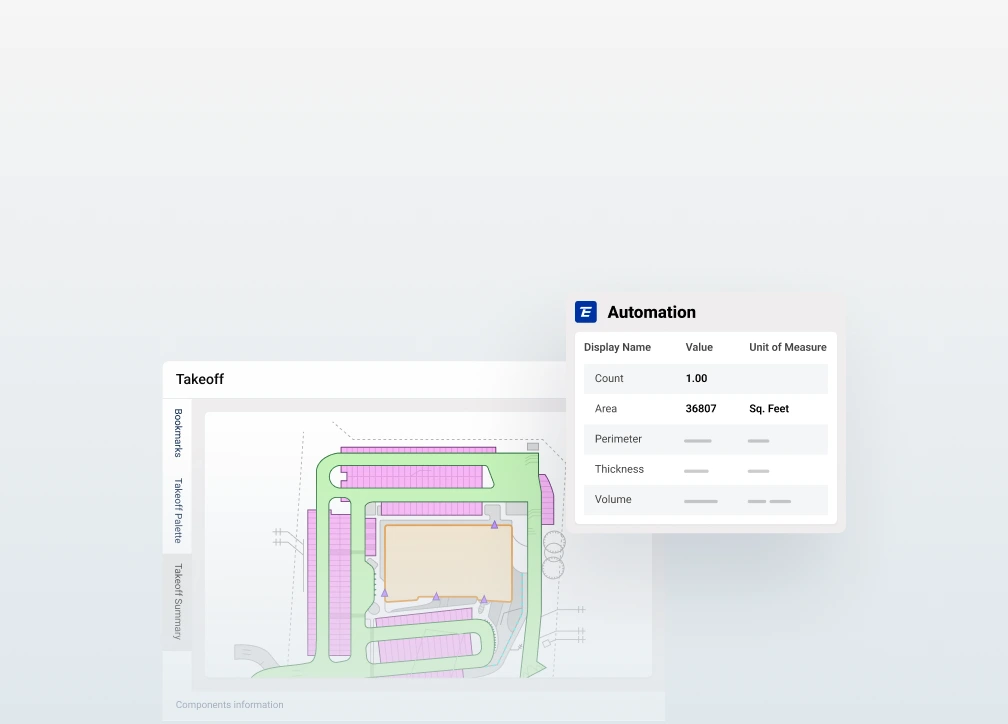
Complete takeoffs in half the clicks
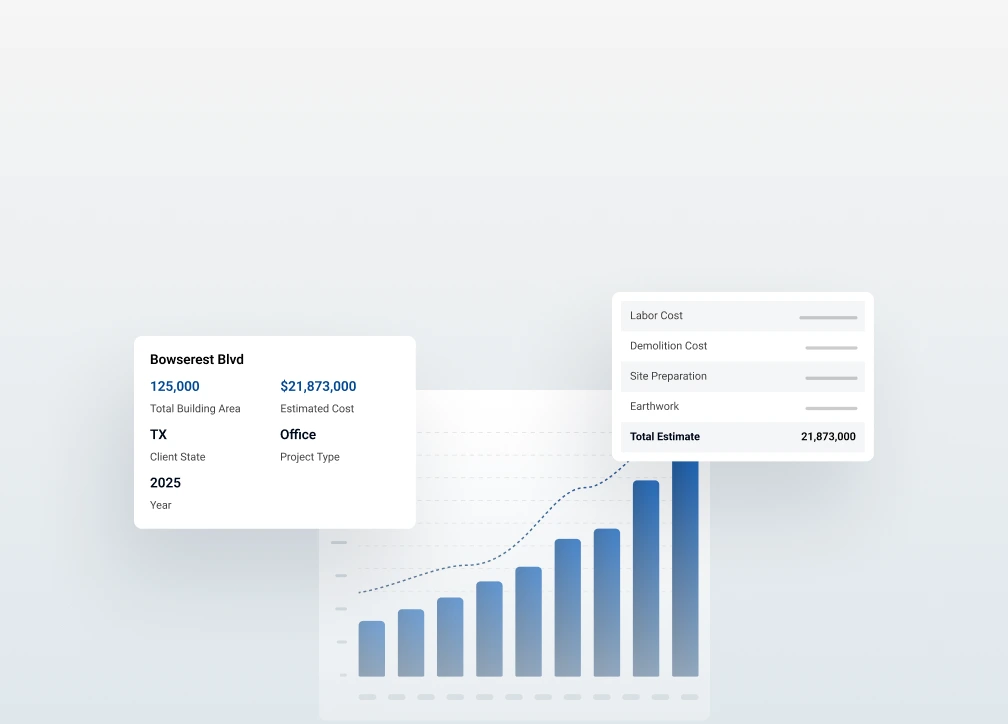
Easily spot profitable projects
How it Works
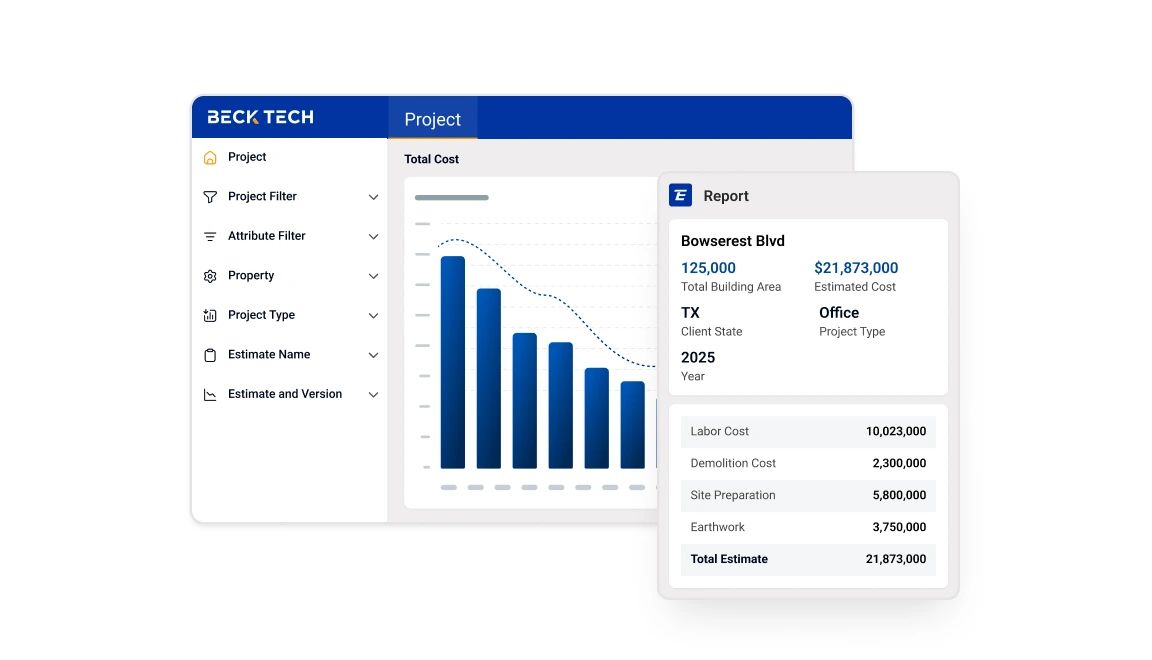
1: Start with project documents
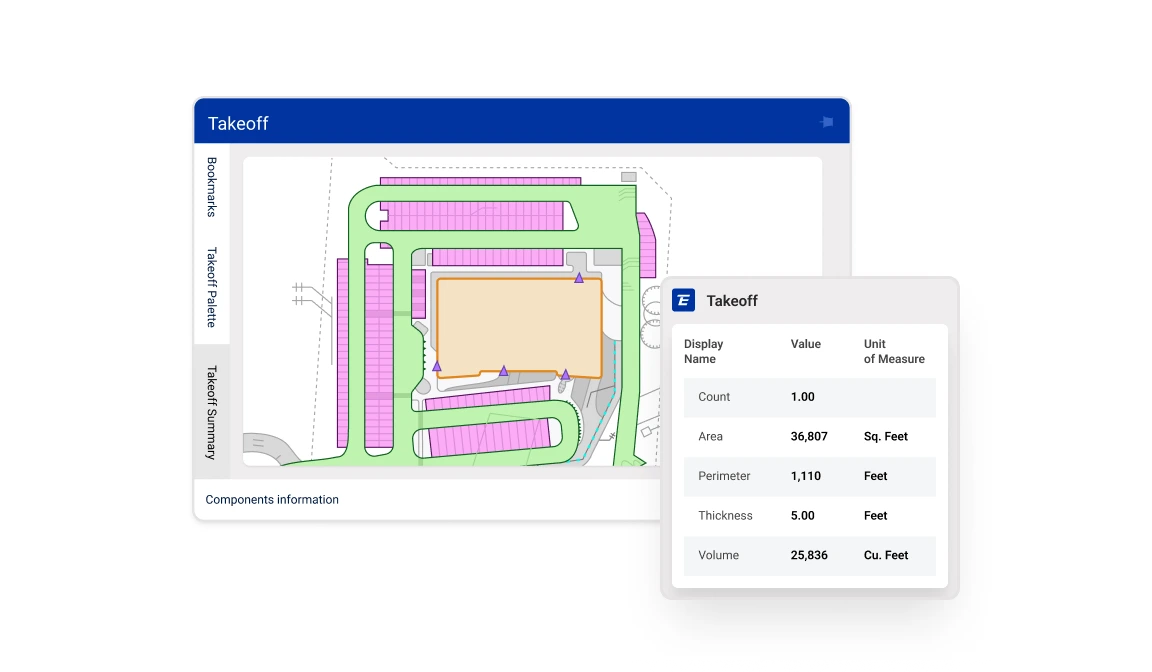
2: Use AI to detect and measure scope
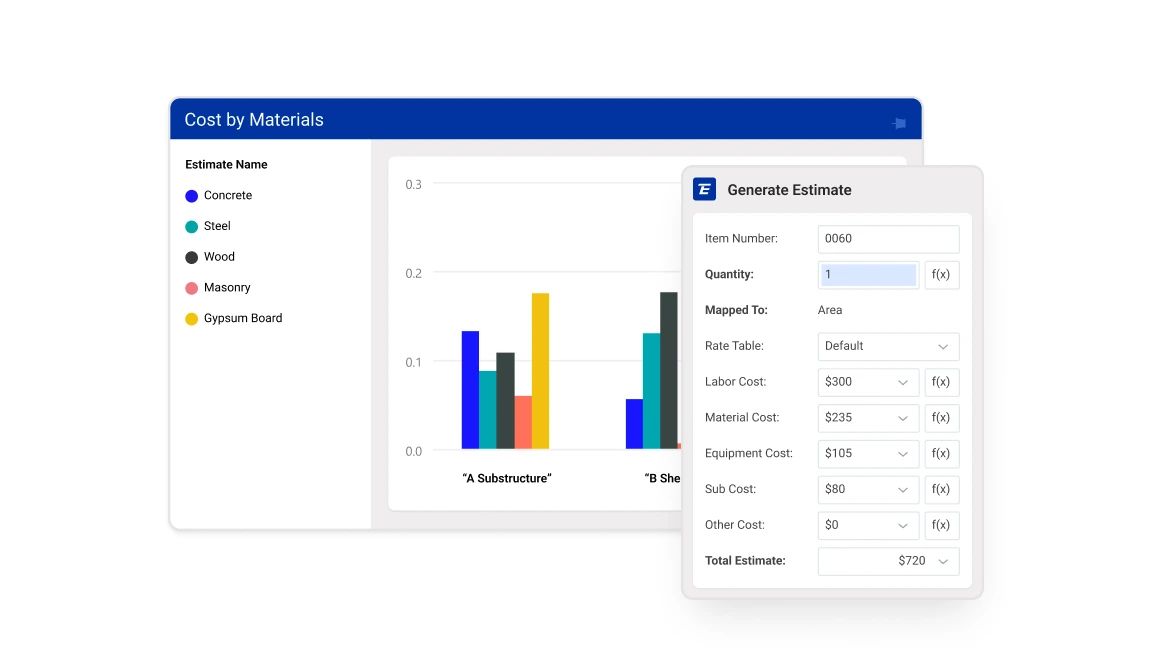
3: Connect quantities to the estimate
Meet Our Integration Partners
Connect AI-powered takeoff to the broader DESTINI Cloud ecosystem. Centralize estimating, takeoff, bid leveling, analytics, reporting, and project data so preconstruction teams can work from one connected source of truth.

Reviews

Having takeoffs and being able to do everything in one program, it's a one-stop-shop. Amazing.

Great for productivity! It’s much more flexible than many software systems we have used in the past.

The historical cost databases, detailed line estimate reports, and takeoffs really add value to our department.

Exceptional. Helped us employ best practices for database management, assembly creation, and data flow.