













Select which Help Center you need




 vs
vs

Automate estimating. Standardize projects.
No manual work.

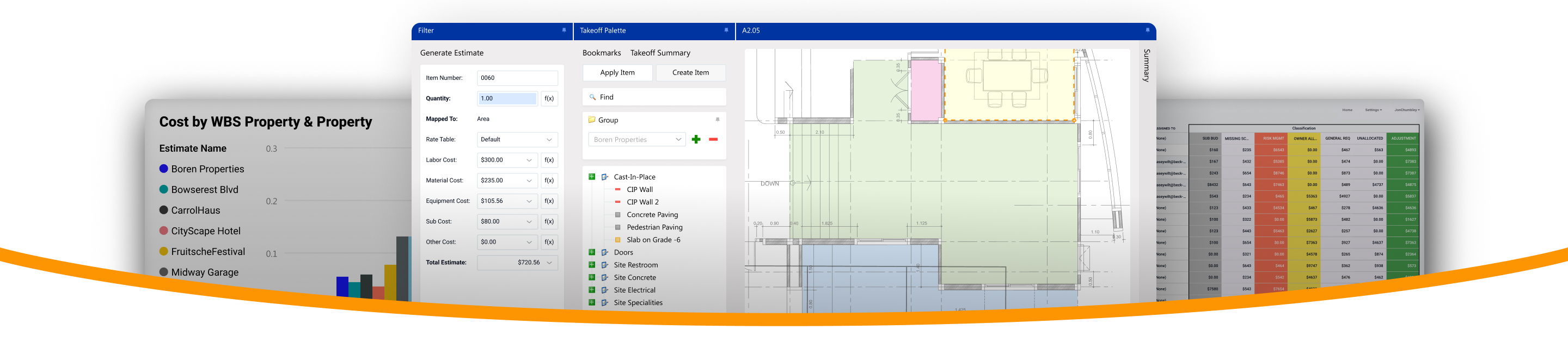
Automation. Generate takeoffs. 1-click alternates. Conceptual estimate baselines. With Excel, these must be done manually.
Standardization. Branded estimate templates. Multiple users per estimate. With Excel, consistency is difficult to enforce.
Sub bids. Import bids. Compare side-by-side. Flag gaps. Excel comparison requires manual work and does not flag gaps.
Get a Demo







DESTINI Cloud vs. Excel

|
|
|
|---|---|---|
| Built-in estimate templates | Estimates built from scratch | |
| Auto-map and measure blueprints | Manual takeoffs or separate tools | |
| Centralized searchable cost library | Scattered workbooks and files | |
| 1-Click alternates | Guaranteed | Disconnected tabs and workbooks |
| Multiple users per estimate | Duplicate files and multiple versions | |
| Baselines for conceptual estimates | ||
| Easily compare subcontractor bids | Side-by-side view | Manual or requires workflows |
| Auto-flag gaps in sub bids | Requires manual gap checks | |
| Benchmarking | Must be done manually | |
| Custom reporting | ||
| Cost tracking | ||
| Standardized workflows and projects | Possible, but difficult to enforce |


3 Reasons why precon teams choose DESTINI Cloud
Faster estimates. Cut manual work
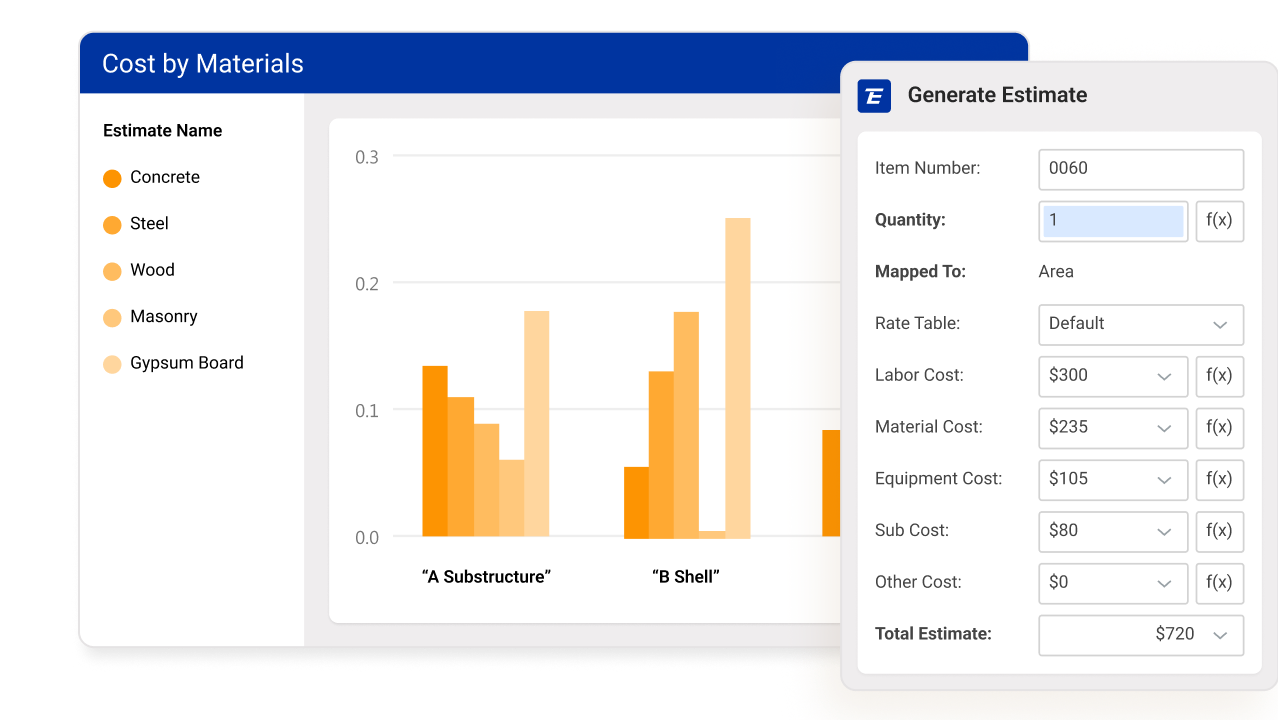
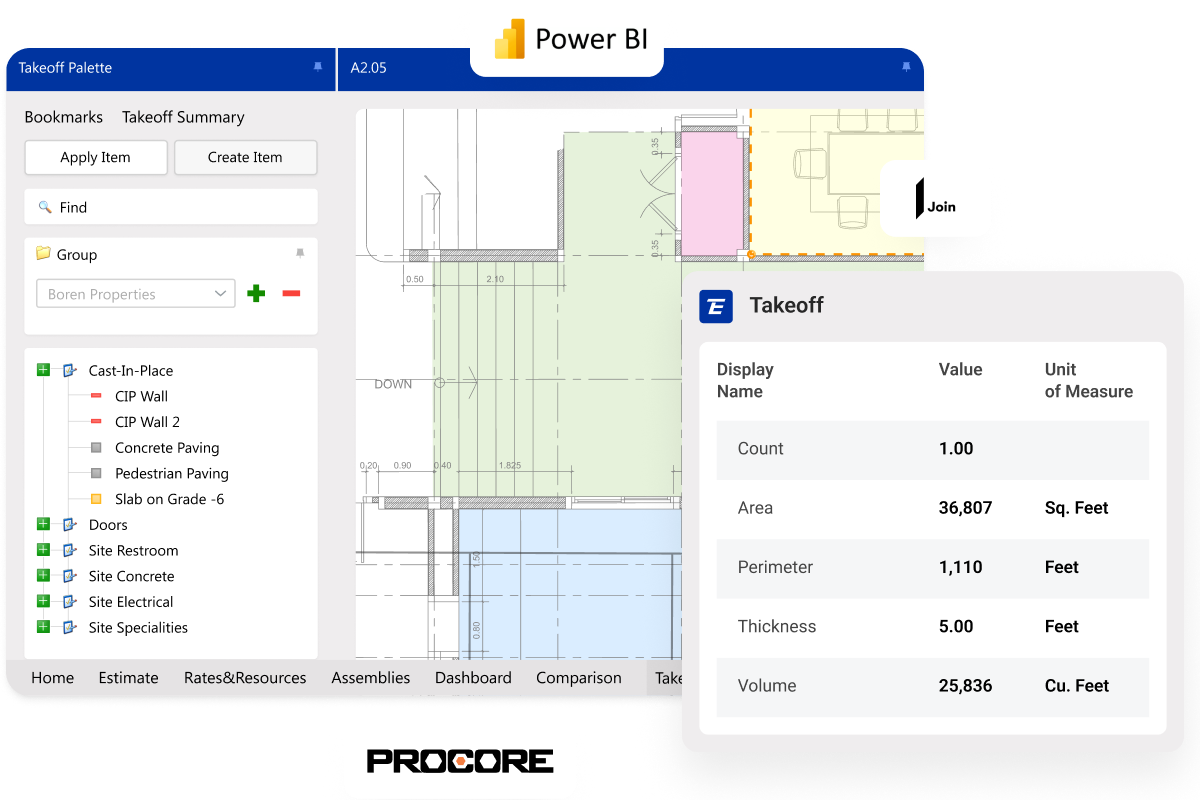
Generate 2D and 3D takeoffs. Get baselines for conceptual estimates and add line items from historical costs. Auto-apply pricing to line items. Create 1-click alternates.
Excel does not offer takeoff generation. Costing, alternates, and conceptual estimates require manual formatting and configuring. Data lives in old workbooks and estimator files.
Standardize workflows and projects
Get pre-built estimate templates with layouts, filters, variables, and line items set up for you. Customize in couple of clicks. Store all cost data in a centralized, searchable database.
Excel requires manually inputting old estimate files. Estimate spreadsheets need extensive setup and configuration. Excel has no centralized cost data storage.
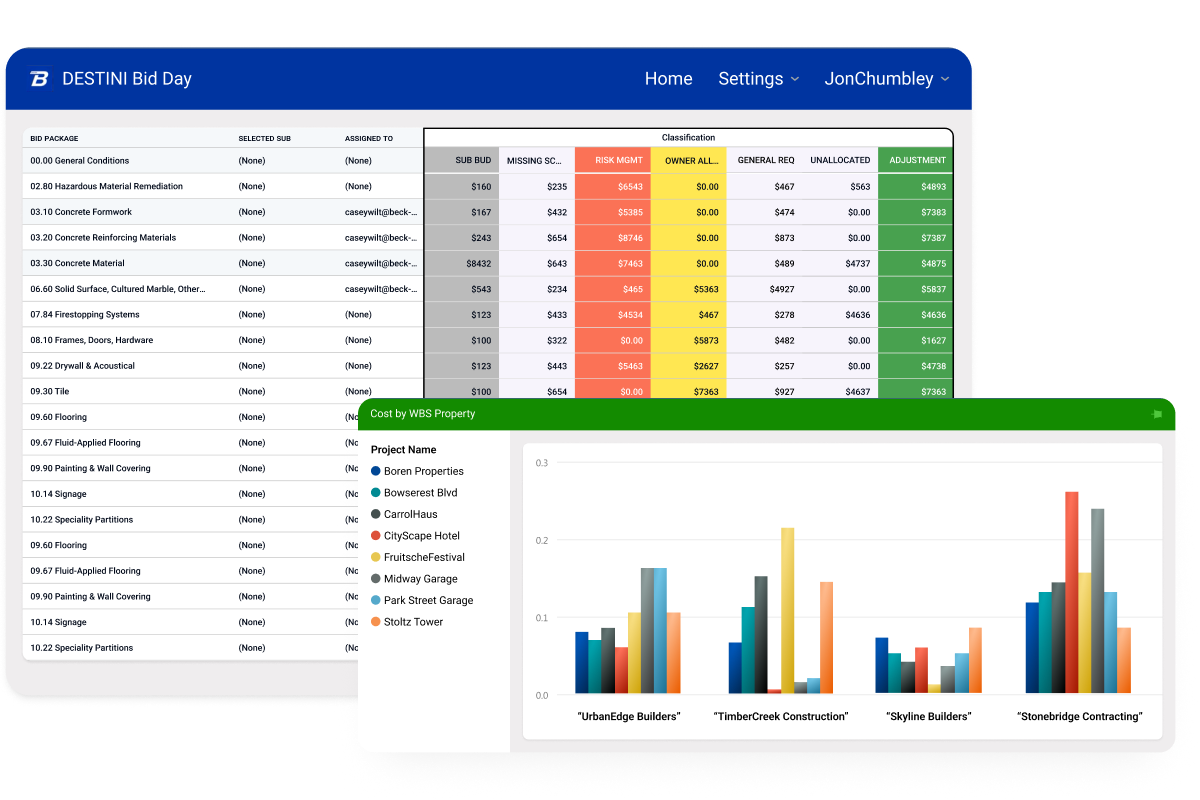
Streamline bid leveling
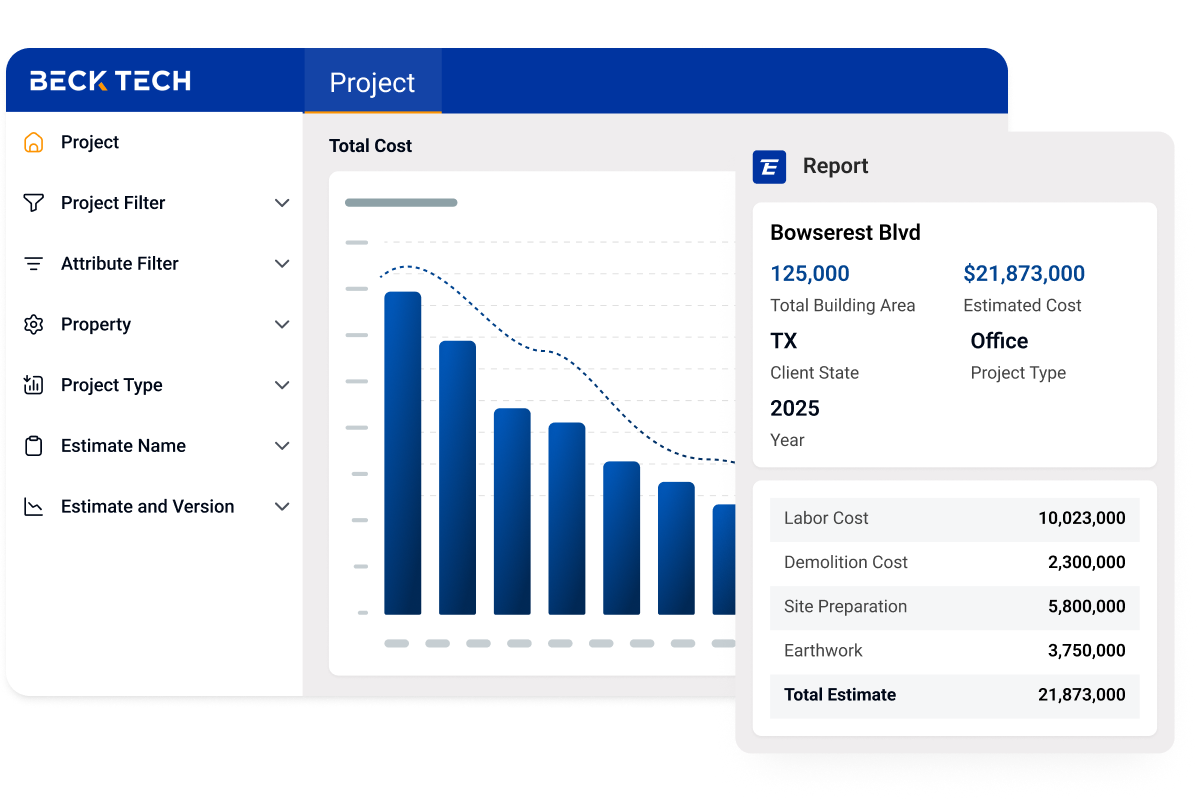
Auto-gather sub bid data and compare bids side by side, all in one place. Let team members view and update bids in real time and track changes. Analyze based on scope, cost, and schedule. Spot gaps and risks.
Excel requires manual bid data entry and spreadsheet creation. Shared files cause version issues and overwritten edits. Team members spot gaps manually and flag via notes and comments.

Switched from Excel
“With Excel, we weren’t being as efficient and productive as we could. DESTINI Estimator was the easy choice.”


Switched from Excel
“DESTINI set itself above all of the others. The biggest thing is accessibility and transparency of information.”


Switched from Excel
“The fees table is really helpful; Excel can get cumbersome there. Templates have line items already in the job.”



Streamline every step of precon
Get a Demo